DAPPA Technologies
AI virtual try-on that started as a mobile app before pivoting to a Chrome extension after struggling with traction. I led UX/UI design, directing 5 other designers and working with developers, marketers and PMs.
ROLE
Lead UX/UI Designer
TIMELINE
Feb 2024 - June 2025
SKILLS
Design leadership
Design systems
User research
Prototyping
TOOLS
Figma
Notion
Dovetail
TestFlight
Jira + Confluence
OVERVIEW
AI try-on, and the onboarding in front of it
Problem
Online shoppers can't tell how a garment will fit or how it will look on them. That uncertainty drives hesitation, wrong sizes and returns. And the onboarding was too long which meant users were dropping off before reaching our core features.
Outcome
Onboarding went from 18 screens to 9, and photo upload success from 40% to 90% in usability testing.
SOLUTION
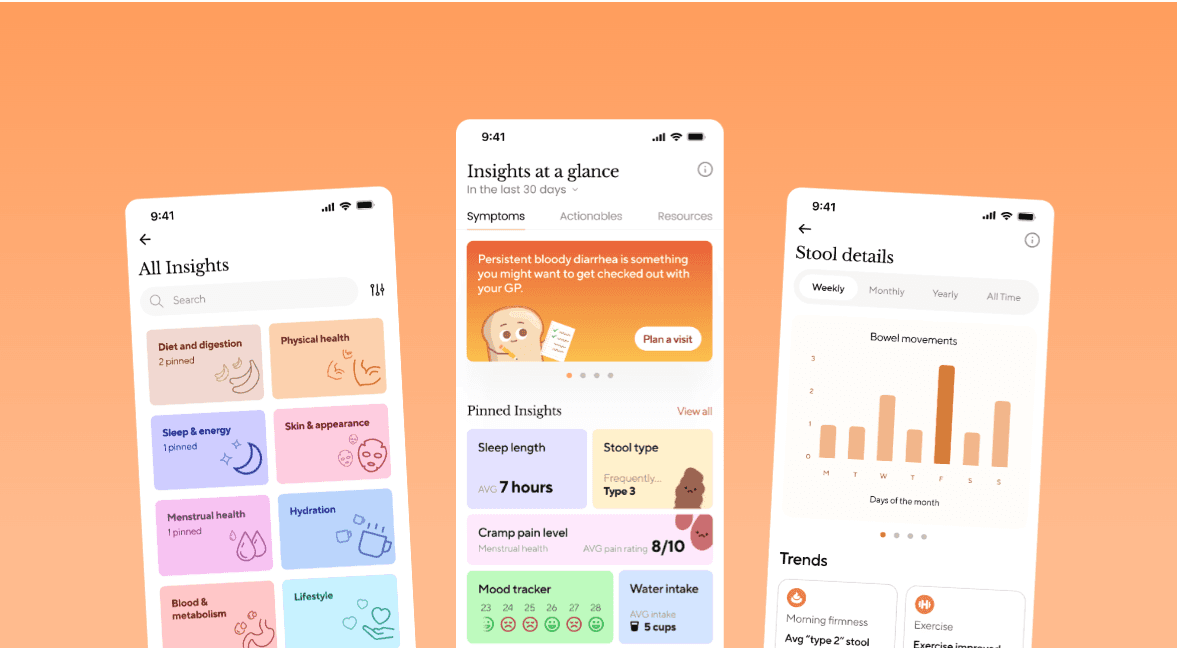
Design ran ahead of development, which is what happens at a startup with more ideas than runway. Virtual try-on and saved products shipped. The rest stayed in Figma. The company shut down before any of it was built.
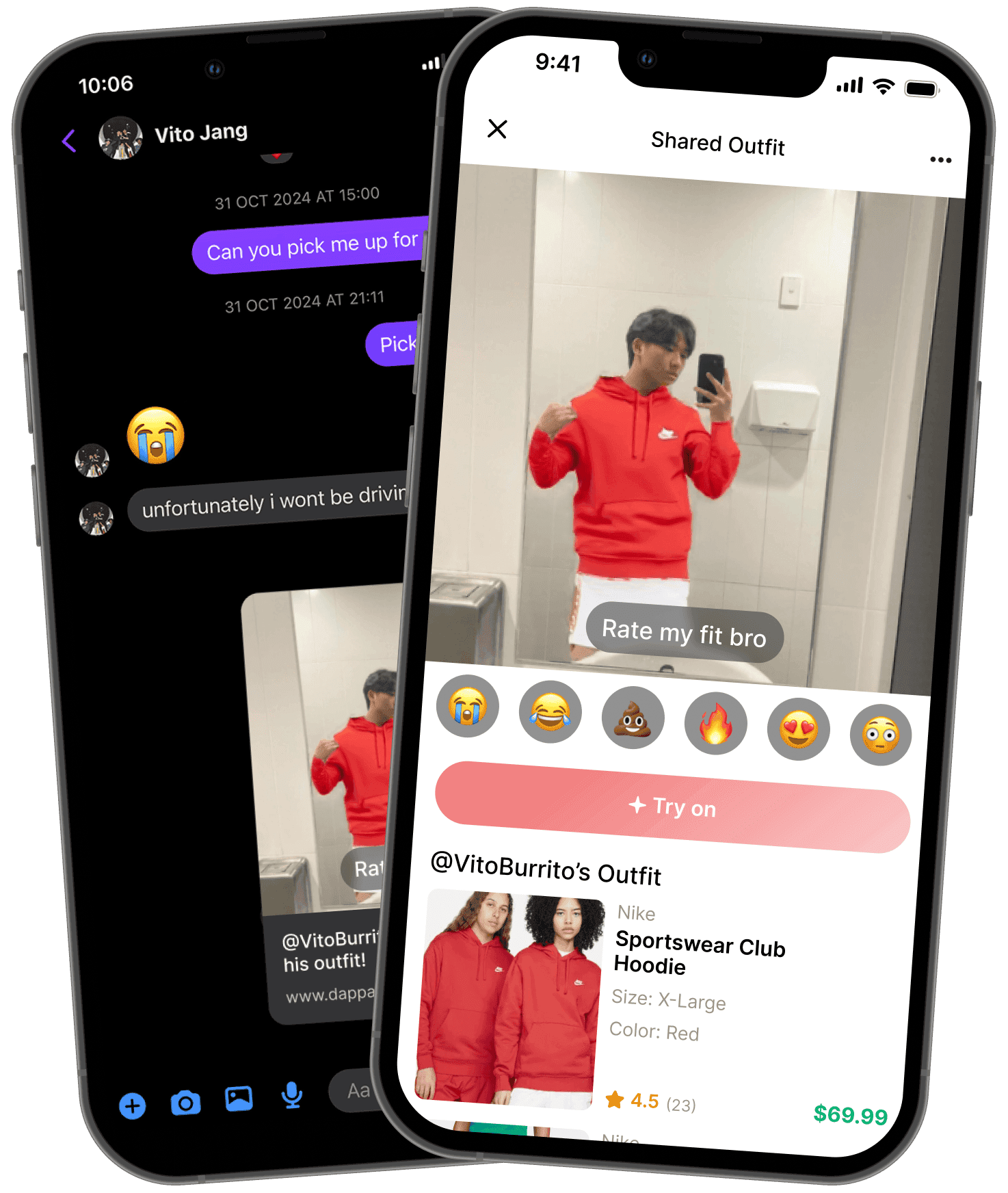
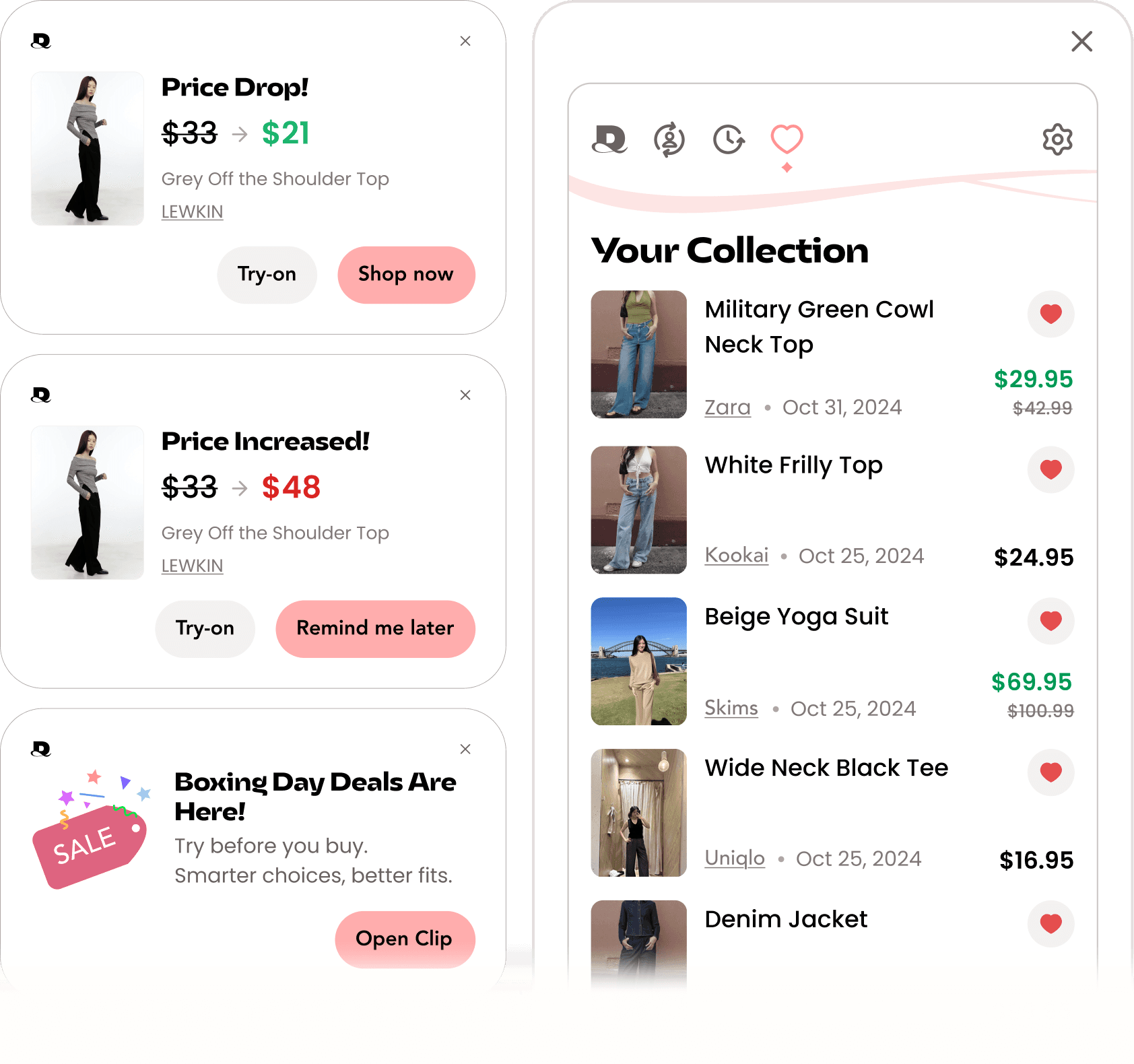
Designed, not released. Except try-on & wishlist
EXISTING RESEARCH
Where we started
Coming into the company, there was already a good AI engine for fit and visualization, fast and decently accurate. But, the whole experience needed fleshing out, and that became the core of the work. Price ranked highest in the survey, but that's a common pattern. Fit and visualization were the problems actually driving returns. So, try-on was the main focus, with enough price and sizing support layered in to keep the shopping journey feeling complete. Onboarding was the highest-friction point, keeping users from ever reaching the core features. That had to be solved first.
224/282
were price conscious
190/282
struggle with fit & quality
146/282
can't visualise style
FOUNDATIONS
No specialist, no system, one big Figma file
Research was nobody's specialty
Research was happening, but by people doing it alongside another role rather than as their specialty. That's normal at a startup where everyone covers several jobs, and it meant findings were inconsistent and easy to skew. Early designs were also tested with people close to the team rather than recruited users.
I pushed for structured research and a budget. We ran moderated think-aloud sessions and guerrilla testing at UNSW, which is where most of our new findings came from. I also ran team workshops, Crazy 8s and dedicated research days, and once we had budget, hired a dedicated UX researcher and handed ongoing research off to them.
Leading a growing team
I ran QA across the team's work, gave direction feedback, and stayed hands-on with UI myself rather than only reviewing. I mentored newer designers on auto layout, our design system, prototyping, and Figma's more advanced conditional animation. Most communication between design, marketing, and engineering ran through me, and as the team grew I delegated by strength so work didn't bottleneck through one person.
No systems and structure
Designers, developers, and PMs were all working out of one tangled Figma file. I built the design system, file structure, and handoff workflow to keep files dev-ready and easy to navigate.


One messy Figma file untangled: categorised, labelled, and version-logged.
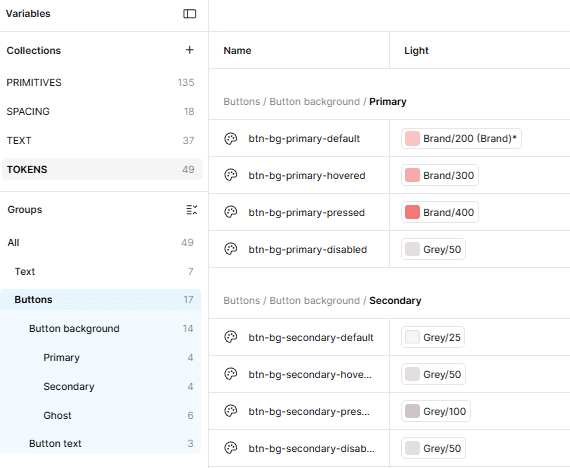

Variables and component documentation.
PIVOTS
Three directions in a row that didn't land
The business model kept changing, so we tested a lot of directions. I worked on new features and on redesigns of screens we already had. These are the ones that got far enough to be worth showing.
Explore shop
In-app product search, to drive try-ons inside the app and earn affiliate revenue. Search relevance was never good enough for people to discover anything.

B2B dashboard
A retailer-facing dashboard to sell try-on data to stores directly. It never found retailers, so we went back to selling to shoppers.

Wardrobe
A place to store your garments, with a Pinterest-style search for collecting pieces from around the web to try on. Retention didn't move, because uploading garments in bulk was the real constraint.
MVP
One week, two people, one working flow
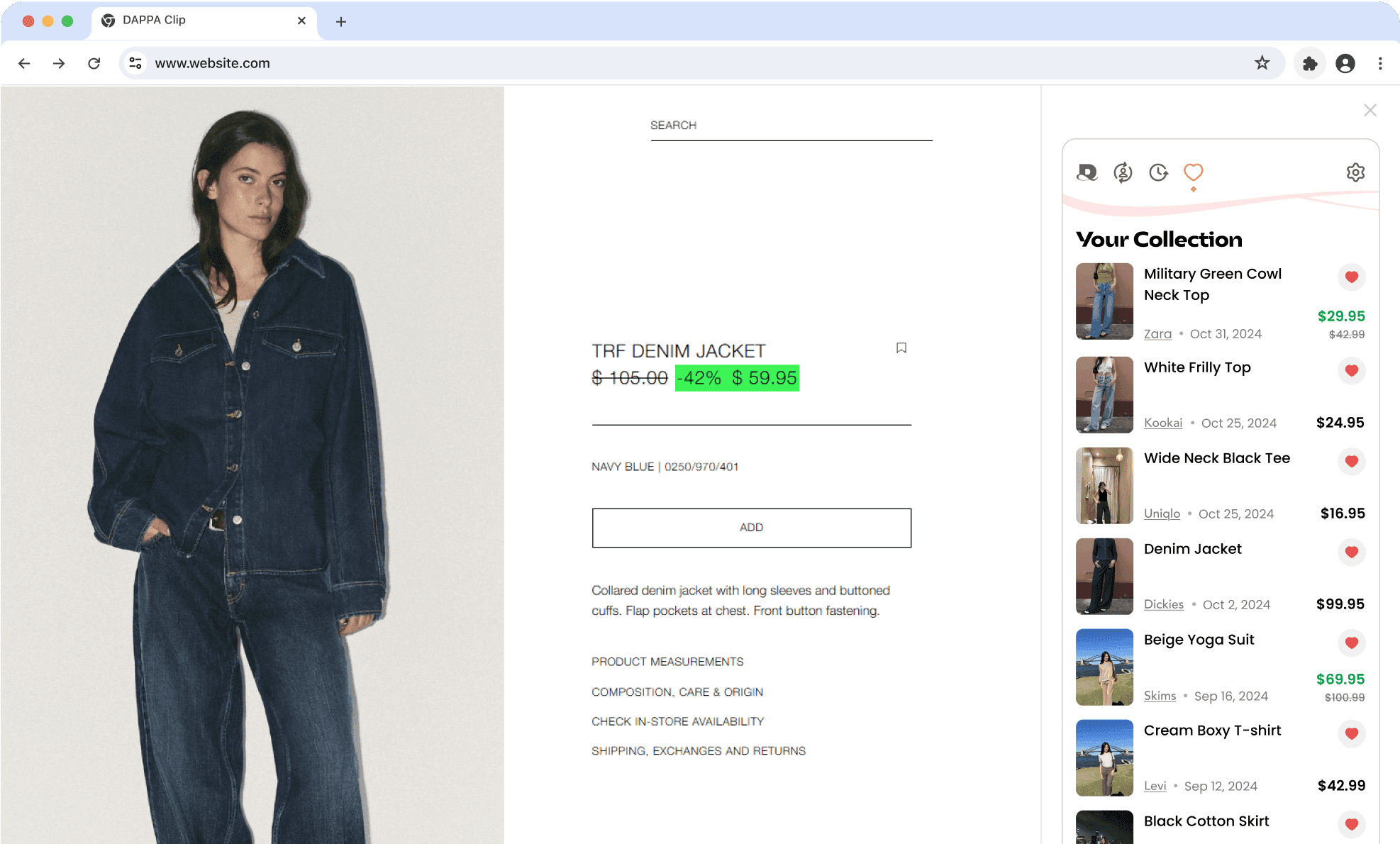
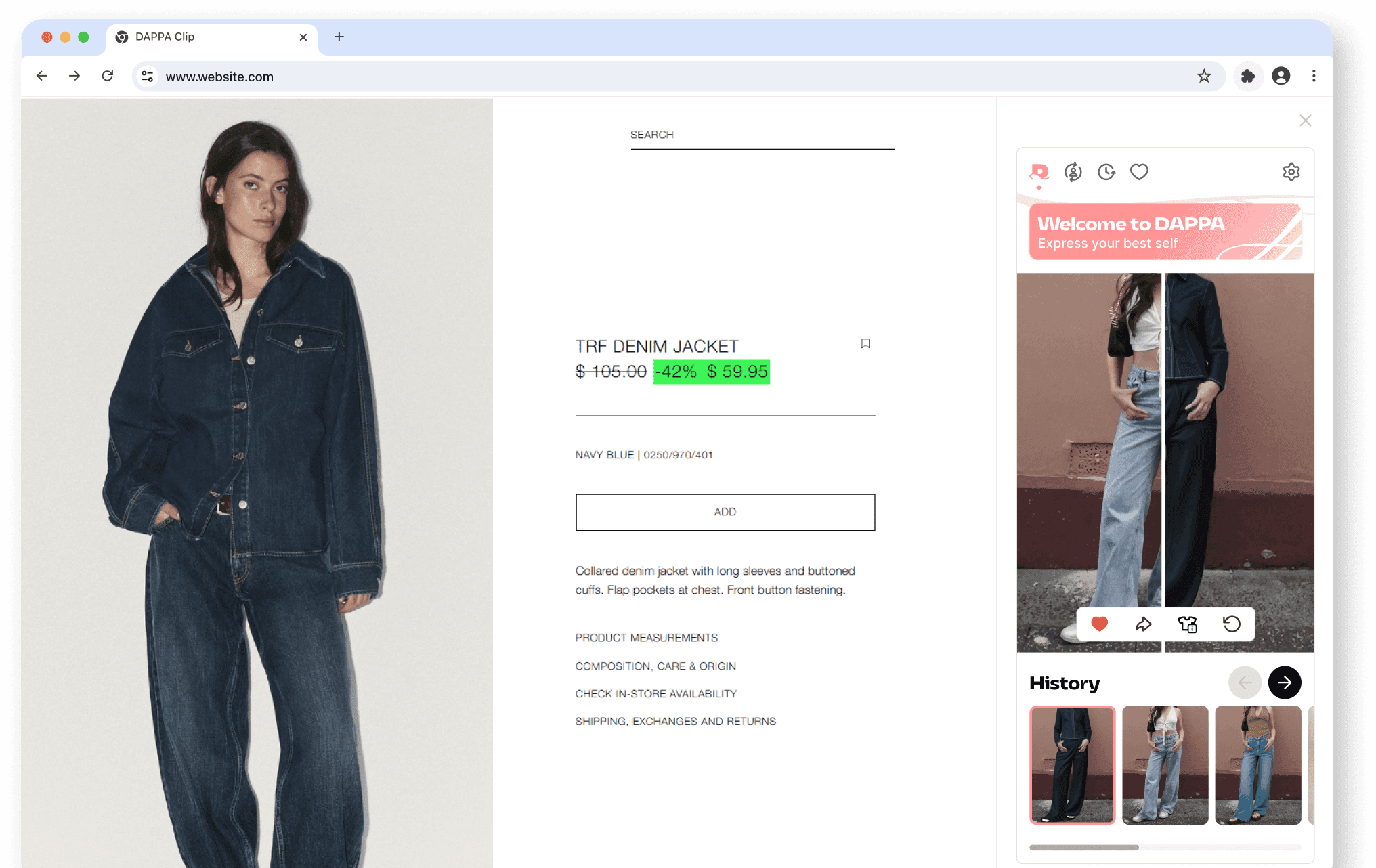
Three dead ends in a row is what pushed us to try a desktop Chrome extension, DAPPA Clip. It's somewhere we hadn't tried, with fewer technical constraints. The MVP let you try a garment on and save products to a list with their price.
We needed to validate the core idea fast, so I designed and shipped a working try-on flow in one week, just me and a developer. I owned the design and ran regular QA with the dev to keep the intent intact through handover.
Drag-and-drop and bookmark

THE CHALLENGE
How might we get someone from install to first try-on?
Photo upload was clunky
Our AI needed a full body photo with good lighting, no overlap and no bulky clothes, which is hard to take yourself with nobody holding the camera. I had to get people to take a photo that worked without losing them on the way.
Sign-up built for another product
DAPPA Clip still routed account creation through the older app, so new users were pushed through a sign-up designed for something else. We watched people hesitate and lose momentum.
TESTING
Fifteen students, screened on the spot at O-Week
We did guerrilla testing at UNSW during O-Week. We approached students who looked like they cared about clothes and screened them on the spot to check, rather than testing people we knew. We ran them from onboarding, through photo upload, then to virtual try-on.
Fifteen people went through the MVP and completed a SUS survey afterwards, averaging 86.5 (the average SUS score is 68).

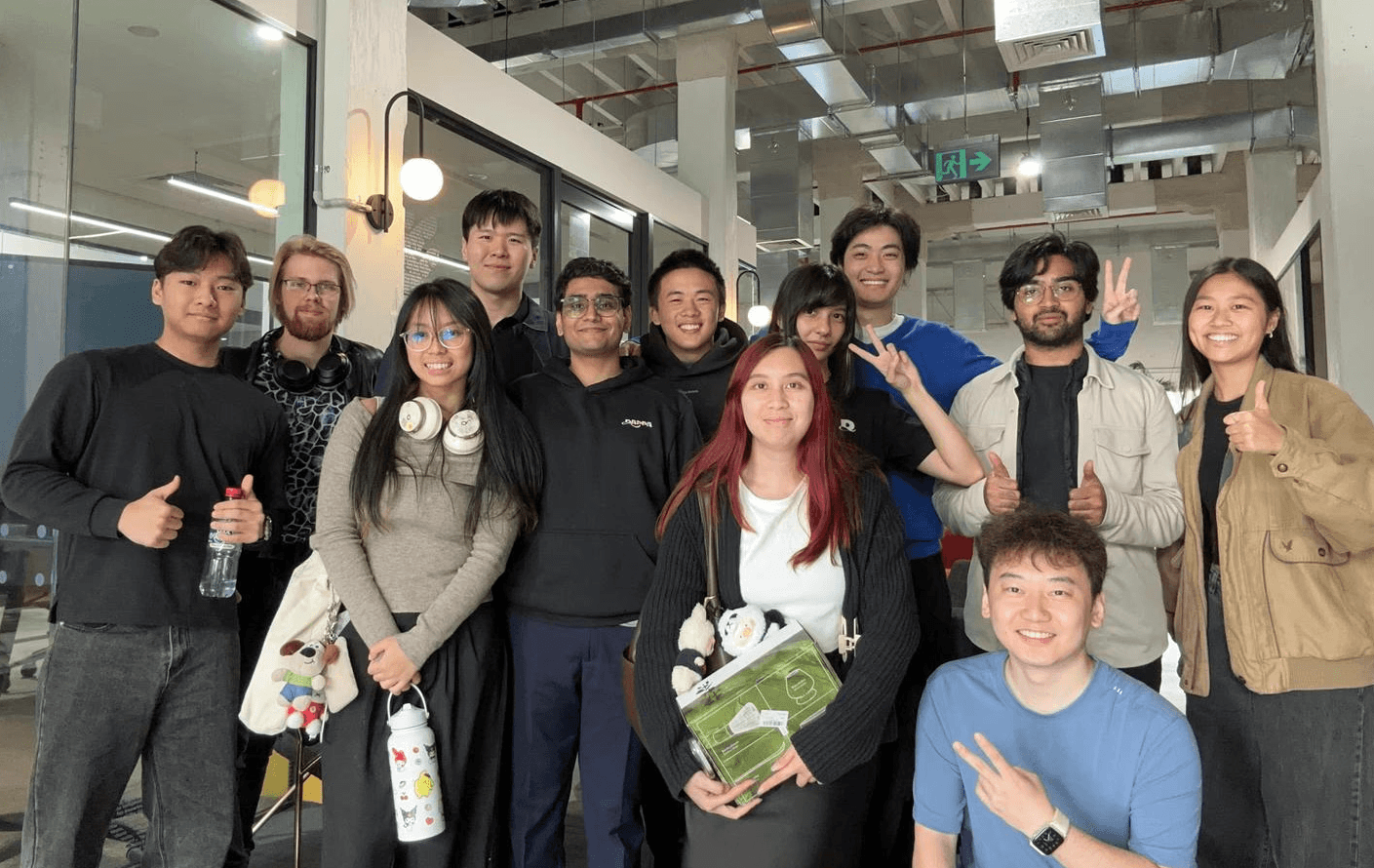
Guerrilla testing team
FINDINGS
Nobody could take the photo or find the extension
Upload confusion
"So I need a full body
photo, then?"
Lost at launch
"I downloaded it but...
how do I open it?"
Discoverability
"I forgot I even had
it installed."
REDESIGN
One flow was too long, the other too full
Onboarding is two flows: sign-up, then photo upload. I rebuilt both.
Twelve sign-up screens before anyone used the core feature
On top of asking for a full body photo, we also asked for data we hadn't earned. Name, birthday, style preferences, favourite brands. A company with a following and strong product can get away with that. We didn't have one.


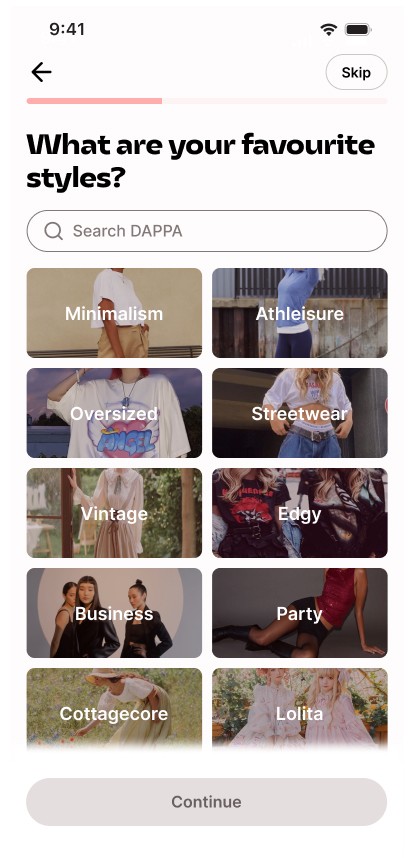


ORIGINAL
Trade-off: Reduced to three screens, the rest moved later
Rather than remove it completely, I proposed moving it later in the app, where it makes sense. Ask users once they had atleast tried something on and naturally explored other features. The second half never shipped as company shut down.


REWORK
Pin prompt
Added pin prompt straight after extension installation. Testing showed people didn't know how to open the extension and forgot they had it installed, and pinning it to the toolbar solved both. This was a low cost and effective way to help discoverability and retention.
12 → 3
Sign-up screens
Six photo upload screens, filled with instructions
A 30-second video, then two full pages of written annotations, all in one sitting. Too much to hold onto, and nothing to scan.


ORIGINAL
Still six screens, but feels shorter
Model upload now happens in a web app on the phone, no install needed. It opens with a short explanation of why the photo quality matters with a short try-on preview. Then one large example of a correct shot, then the four mistakes that break it, all scannable at a glance.


REWORK
Hand-off to phone
Most photos live on your phone, so this avoided awkward photo transferring between devices. The preview upfront gives people a reason to keep going before they hit the instructions.
Trade-off
Moving upload to the phone adds a device switch mid-onboarding, which creates friction. I accepted that because a bad photo makes a bad try-on, and a bad try-on is why people uninstall.
RESULTS
What the testing shows
The new sign-up and photo upload were validated in another round of guerrilla testing at UNSW.
Total onboarding screens
1m 22s → 53s
Photo upload time
Photo upload success
150 → 1.5k
Growth in active users
“
REFLECTION
What I learned
Usability before visuals
The flow had to work before polish was worth paying for. I made the try-on usable first, and branding got its turn once it held. Decorating something people can't use is wasted effort.
If I did it again I would push further in the same direction. More rough MVPs, tested properly, before anything got polished too much.
Technical barriers
Several directions ran into technical blockers after the design was finished. Garment upload constrained the wardrobe redesign, while search relevance limited the direction for Explore. I now bring technical feasibility into the design process earlier, understanding what the system can realistically handle before investing too deeply, while still leaving room to explore ambitious ideas.
Conduct quality testing
Early designs were tested on people close to the team and everything looked fine. The findings that actually changed the product came from students we screened on the spot at O-Week. A friendly test result is not evidence, and I would rather have five strangers than fifty people who were being nice.
Feedback runs both ways
A PM told me early on that I could come across too blunt. Not unkind, just too direct. I worked on it. Later the UX researcher I'd hired had the same habit, and I was the one who had to raise it with her. Funny how things work. Being on the other end of the stick is what actually taught me how to give proper feedback and lead a team.
DAPPA, 2025